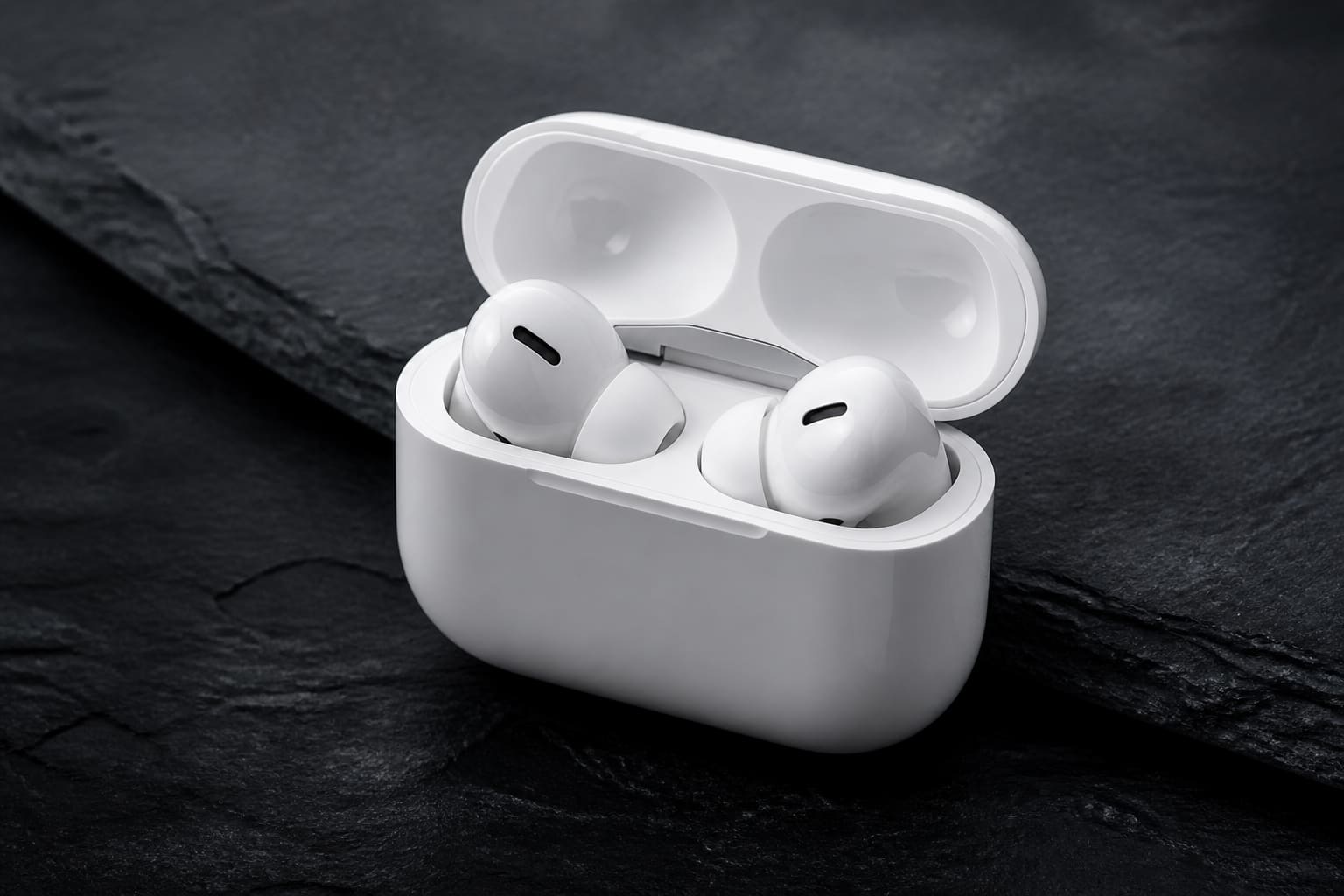
Spatial audio is one of those terms that sounds precise until you read three competing definitions. Apple uses it for head-tracked mixes on AirPods. Dolby uses it for Atmos object-based sound in cinemas and soundbars. Game developers use it for positional footsteps in competitive shooters. They share a goal — make audio feel like it occupies space around you — but the technology underneath varies wildly. Confusion is inevitable. Clarity is still possible.
This explainer walks through the main flavours of spatial audio in 2026, what hardware you need, where the experience genuinely improves and where it is a checkbox feature you can ignore. No maths degree required. A decent pair of headphones helps.
Stereo vs surround vs spatial: start here
Stereo is two channels: left and right. Your brain uses timing and level differences between ears to infer direction. It is elegant, decades old and still how most music is mixed. Surround sound adds more speakers — five, seven, eleven — placed around a room so a helicopter can fly “over” you in a home cinema. Spatial audio is the umbrella term for recreating that sense of height and depth when you do not have eleven speakers — using headphones, soundbars with up-firing drivers, or clever DSP.
The key insight: spatial audio is not automatically better. It is different. A well-mastered stereo album through good headphones can feel more intimate and accurate than an Atmos remix that spreads vocals too wide. Spatial shines when the content was designed for immersion — films, games, some live recordings — not when a label slaps a badge on a back catalogue track to justify a subscription tier.
Dolby Atmos: objects in space
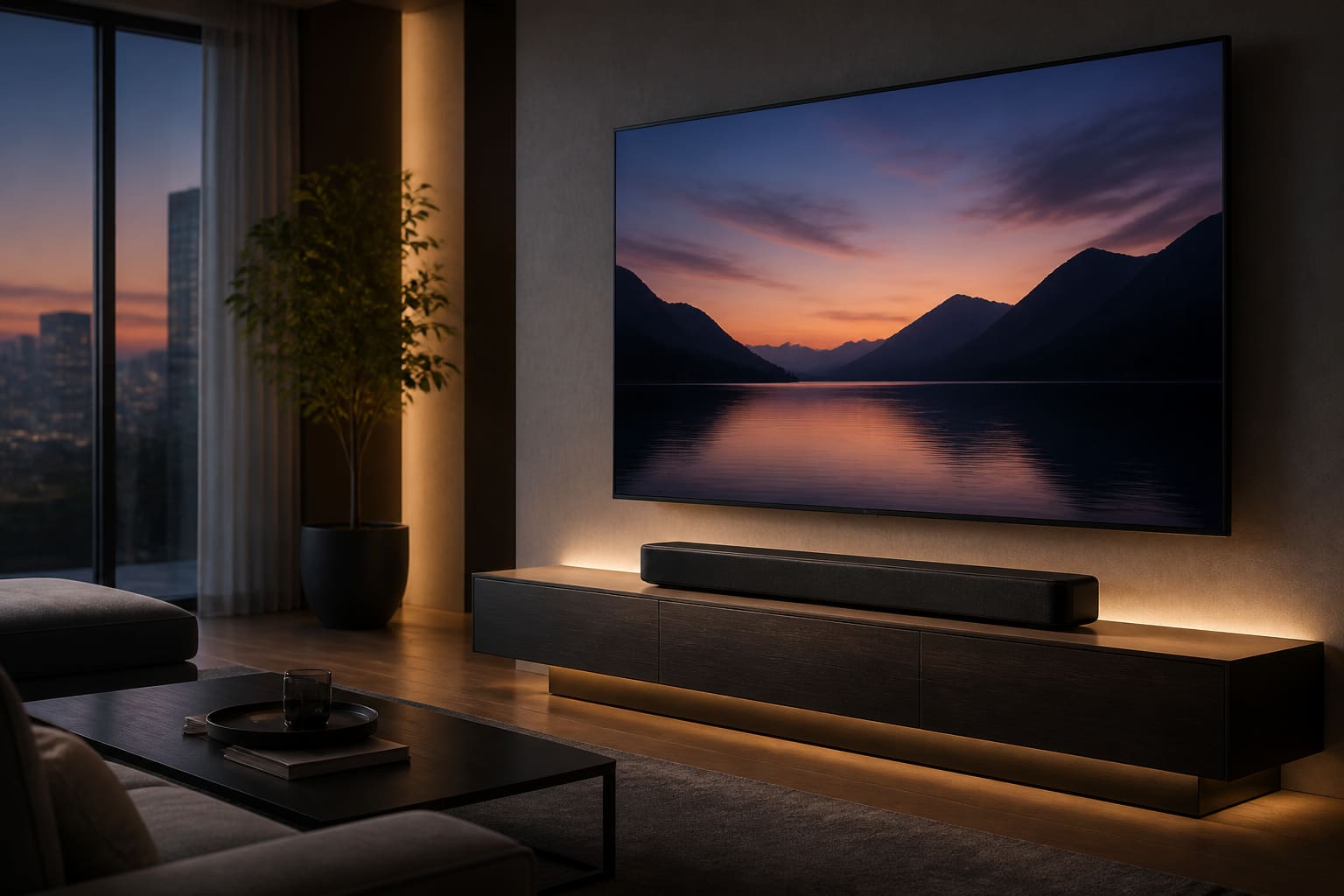
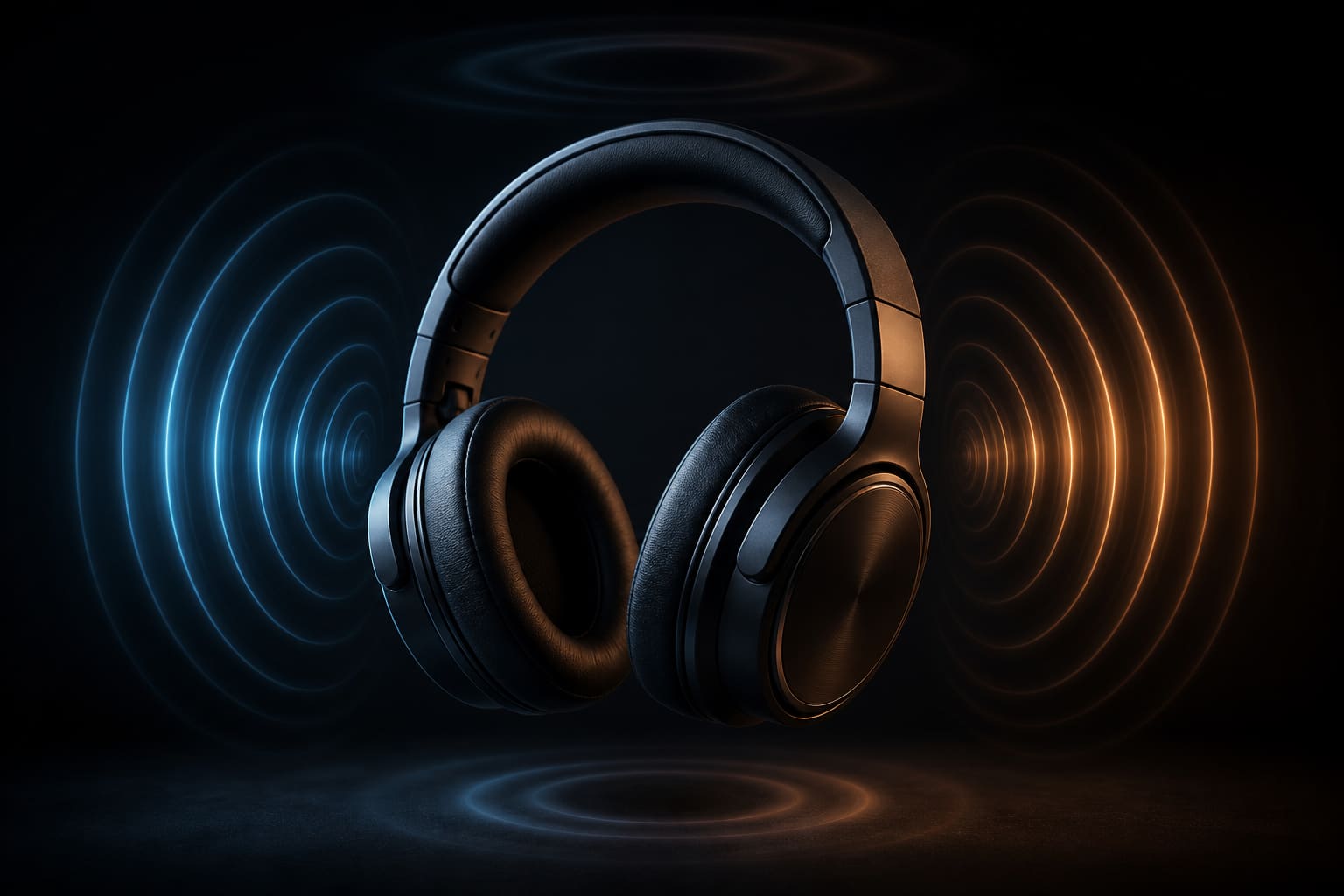
Dolby Atmos treats sounds as objects that can move anywhere in a three-dimensional field, rather than being locked to fixed channels. In a cinema you hear rain above because there are speakers in the ceiling. At home, a soundbar bounces sound off the ceiling to simulate height channels. On headphones, Atmos uses HRTF — head-related transfer function — profiles that mimic how your ears receive sound from different angles.
Netflix, Disney+ and Apple TV+ stream Atmos on supported titles when your device and playback chain cooperate. The experience on a Samsung Q-series soundbar with rear satellites is genuinely cinematic. Through £30 wired earbuds it is less convincing — width appears, height often does not. Manage expectations accordingly.
“Immersive audio only works when creators mix for it — a stereo track with a spatial toggle is decoration, not direction.”
— Dolby Laboratories, developer documentation on Dolby Atmos content creation
Head tracking on earbuds and headphones
Apple’s Personalised Spatial Audio and similar features on Bose and Sony buds use gyroscopes to keep the sound stage fixed as you turn your head — as if speakers were mounted in the room while you move. Watch a film on an iPad with AirPods Pro and turn your head; dialogue stays anchored to the screen instead of swivelling with you. That is useful. For music, opinions split: some listeners love the concert-hall illusion; others find head tracking uncanny on vocals that should stay centred.
Personalisation scans your ear shape with a phone camera to tune the HRTF profile. It takes two minutes and improves fit-dependent accuracy measurably in our tests — especially for people whose ears refuse to conform to generic models. Re-run the scan if you change tip sizes.
Games, VR and the latency question
Spatial audio in games is less about orchestral swells and more about information: footsteps behind you, gunfire direction, teammate callouts in 3D space. PlayStation’s Tempest 3D AudioTech and Windows Sonic on PC serve similar roles. Competitive players enable spatial cues; cinematic players sometimes disable them when accuracy feels exaggerated.
VR is the natural home for spatial audio because the visual field already moves with your head. When vision and audio disagree, nausea follows. That is why Quest and Vision-class headsets invest heavily in low-latency spatial pipelines. Earbuds with high Bluetooth latency still lag here — wired or proprietary wireless wins for serious VR.
What to buy and what to ignore
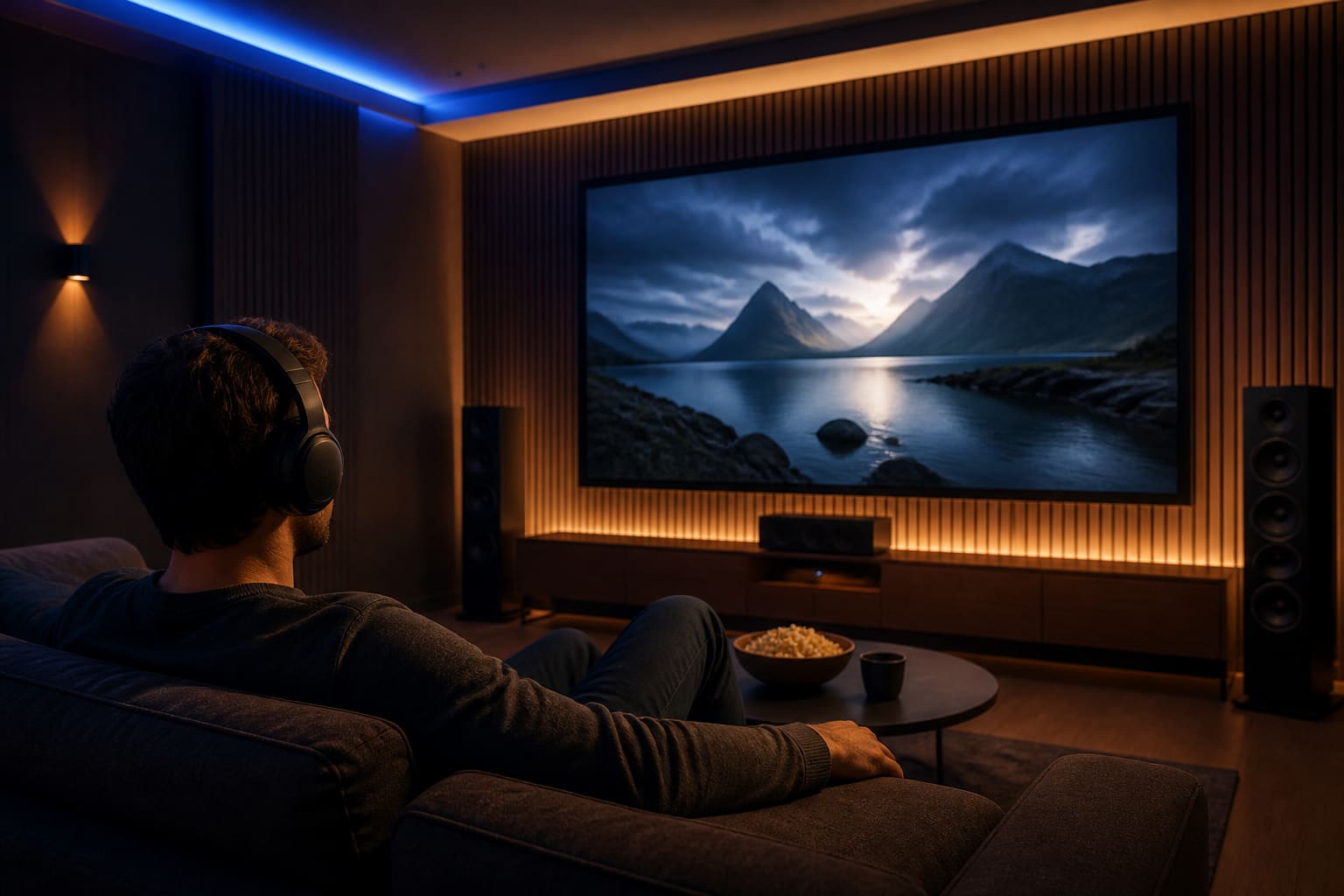
If you watch films on an Apple device, AirPods Pro or AirPods Max with Personalised Spatial Audio are the path of least resistance. Android users should check LDAC or aptX support on their buds and whether their streaming apps deliver Atmos — Netflix’s device list is narrower than marketing suggests. Soundbar buyers should prioritise HDMI eARC, upward-firing drivers and optional rear surrounds over vague “3D sound” logos on the box.
Ignore spatial audio badges on music streaming unless you enjoy A/B testing remixes. Ignore it for podcasts entirely. Do not upgrade headphones solely for spatial if your current pair seals well and you mostly listen to stereo jazz on the Tube — you will notice crowding before you notice height channels.
The honest bottom line
Spatial audio is a real technology with real use cases. It is also over-marketed. Treat it like HDR for sound: brilliant when content and hardware align, pointless when bolted on as a default toggle. Start with one film you know well, one game you play weekly and one album you love in stereo. Compare with spatial on and off. Your ears vote; spec sheets do not.
Sources
- Apple, Spatial Audio with dynamic head tracking support — apple.com
- Netflix, supported devices for Dolby Atmos playback — netflix.com
- Dolby, Dolby Atmos content creation and mixing guidelines — dolby.com