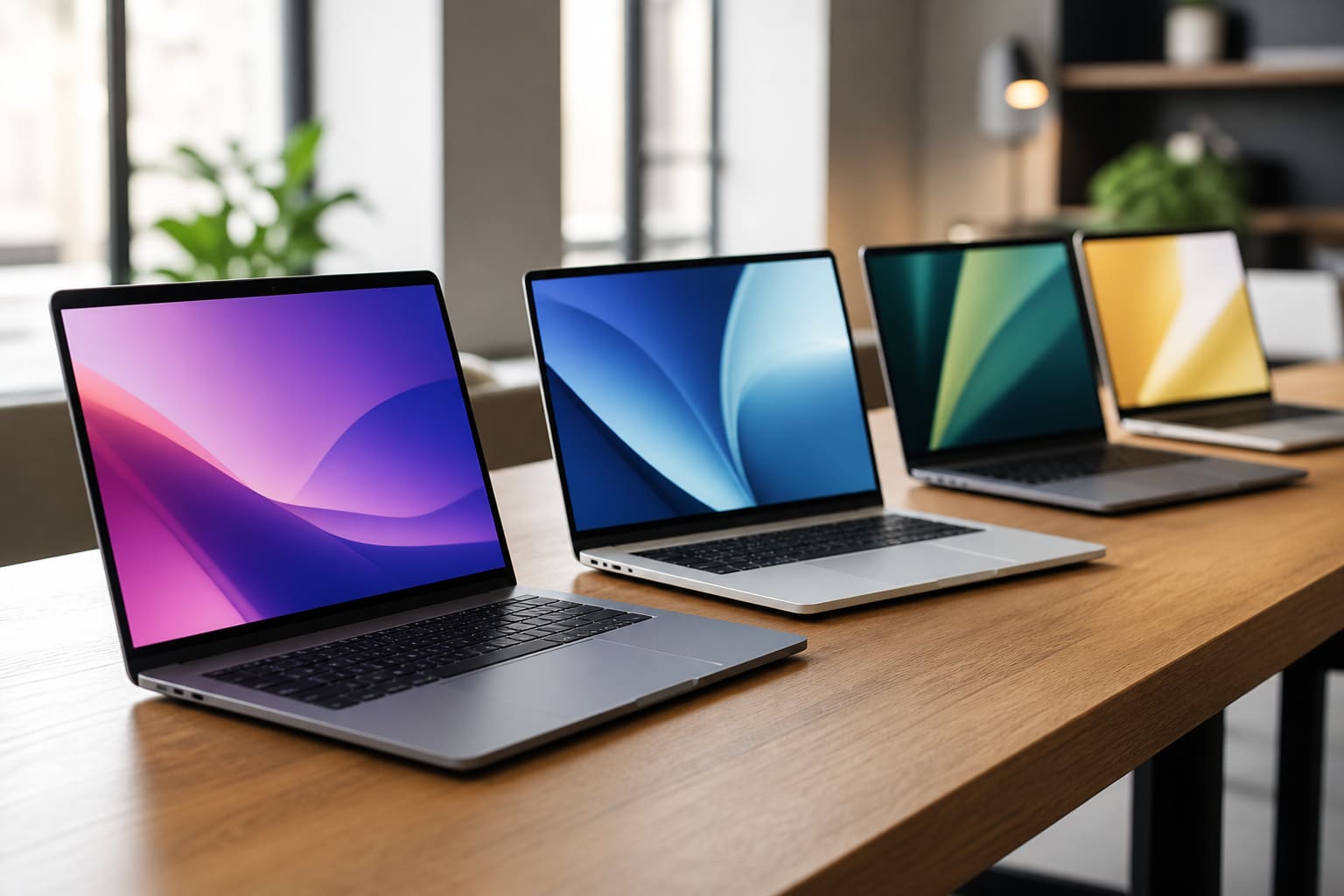
The MacBook Pro has settled into a rhythm. Every autumn or spring, a new Apple silicon chip arrives, benchmarks spike, and editors ask the same question: is this the year my three-year-old machine finally feels slow? With the M4 MacBook Pro, the honest answer for most creative professionals is yes — though the reasons are subtler than a chart on a slide.
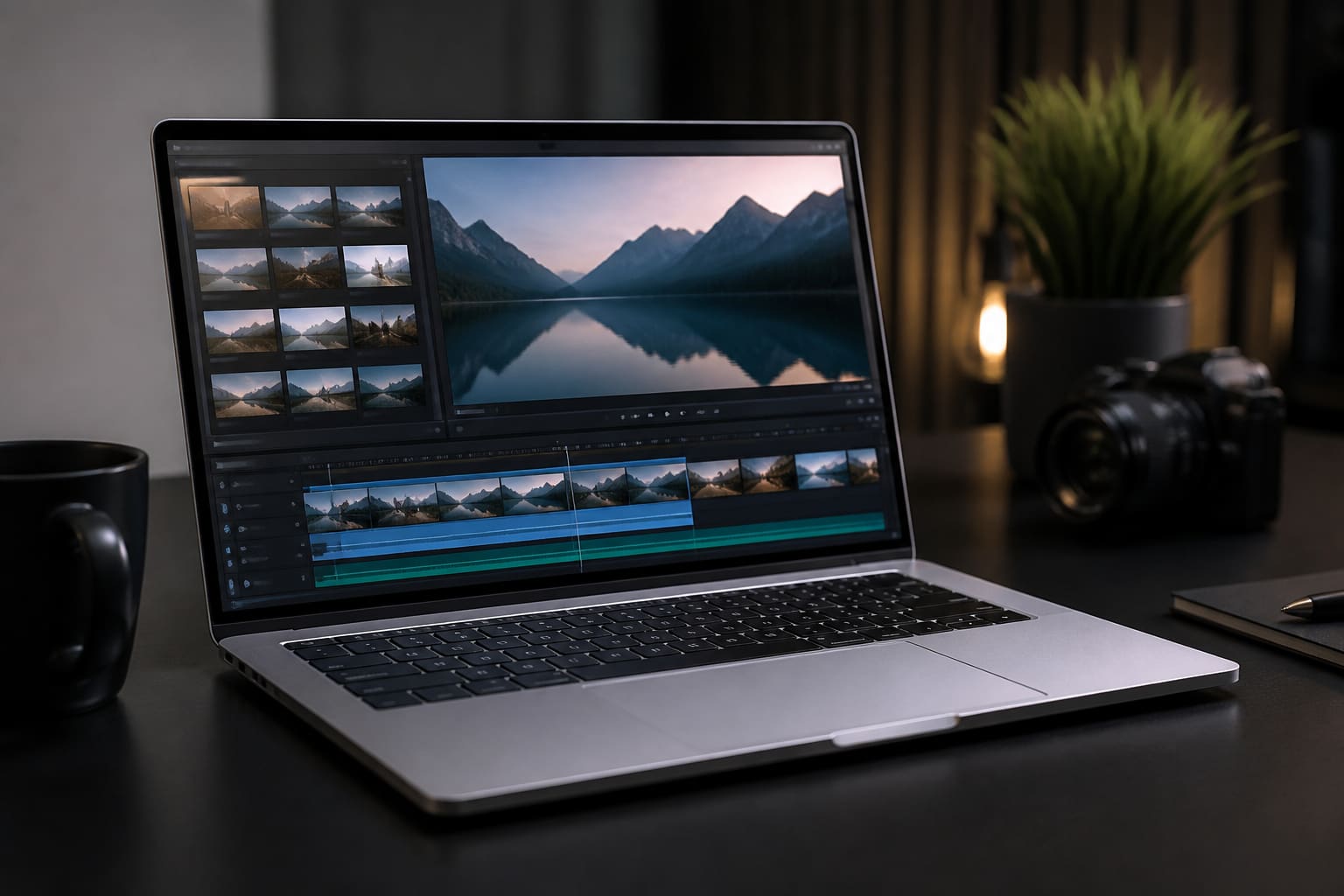
I spent ten days with the 14-inch M4 Pro configuration — 18GB of unified memory and a 512GB SSD — as my only machine. That included a multi-camera 4K wedding cut in DaVinci Resolve, a Lightroom catalogue with 42,000 RAW files, and two days of writing from a Brighton-to-London commute where the fan never spun up audibly. Silence, in 2026, is still a luxury. Apple has made it feel routine.
Design and display: familiar, refined
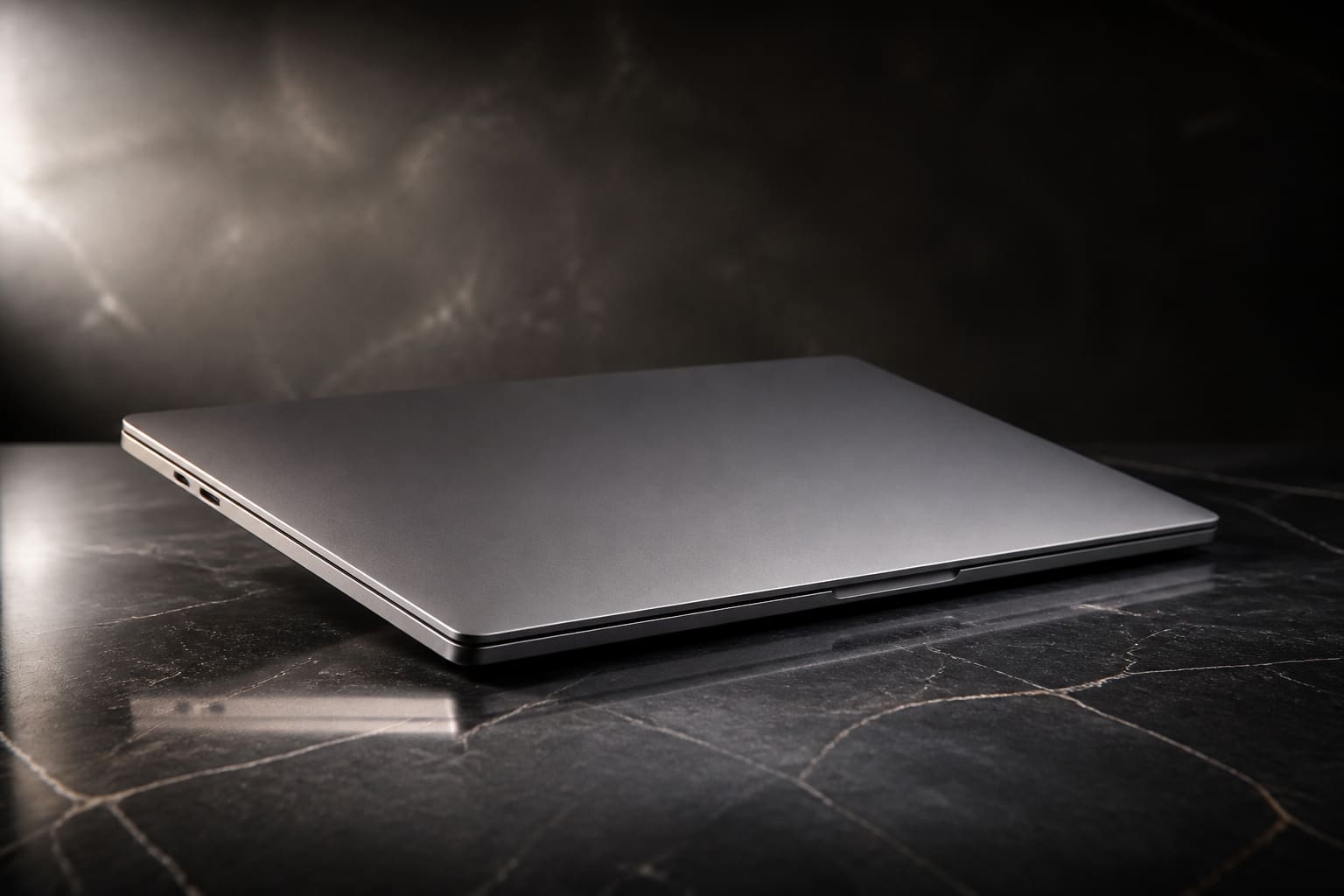
Externally, little has changed since the 2021 redesign. The Space Black finish on our unit still resists fingerprints better than the older silver, and the lid closes with the same satisfying thunk. The 14.2-inch Liquid Retina XDR panel remains one of the best laptop screens you can buy: 1,600 nits of peak HDR brightness, accurate P3 colour, and enough contrast that SDR footage does not look washed out beside HDR clips in a timeline.
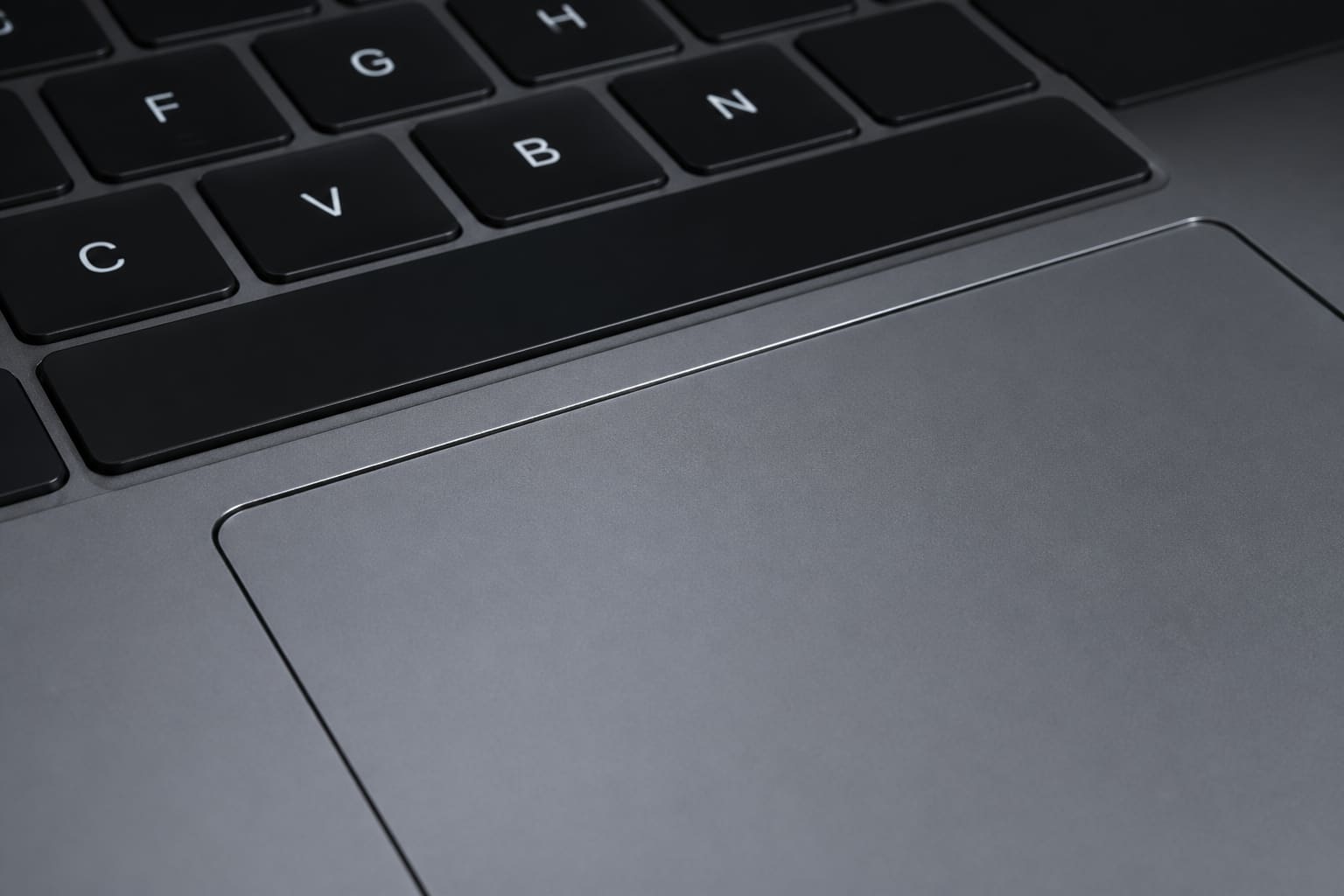
The notch persists. After a week you stop seeing it; before that, it is a reminder that Apple prioritises thin bezels over symmetry. The keyboard is excellent — travel, stability and backlighting are all where they should be on a machine that costs this much. The Force Touch trackpad is still the benchmark every Windows laptop chases and rarely matches.
Performance: M4 Pro in the real world
On paper, the M4 Pro offers more CPU cores, a faster Neural Engine and improved media engines compared with the M3 Pro. In practice, the gains show up in sustained workloads rather than burst tasks. Exporting a 12-minute 4K timeline with colour grade and two Fusion titles took 4 minutes 18 seconds on the M4 Pro versus 5 minutes 41 seconds on an M3 Pro MacBook Pro we had in the office. That is not a revolution. It is the kind of incremental win that compounds across a working week.
Where the M4 Pro impresses most is thermals. During a 45-minute encode the chassis warmed but never became uncomfortable on the wrists, and the fans stayed below a whisper. An Intel Core Ultra machine we tested alongside hit similar export times only after ramping fans to aeroplane mode. For editors in open-plan offices or on video calls while rendering, that difference matters more than an extra five per cent in a synthetic benchmark.
“The Mac shifted from being a computer that occasionally got in your way to one that mostly disappears while you work.”
— Marques Brownlee, in a 2024 review discussing Apple silicon MacBook Pro workflow improvements
Memory bandwidth and unified memory architecture continue to be Apple's ace. With 18GB, I could keep Resolve, Safari with thirty tabs, Slack and Spotify open during exports without swap-induced stutter. If you work with large Fusion compositions or 6K RAW, 36GB remains the safer buy — but 18GB no longer feels as tight as it did two generations ago.
Battery life: all-day is not marketing fluff
Apple claims up to 17 hours of wireless web browsing. Our mixed-use test — brightness at 60%, Wi-Fi, Slack, writing in Ulysses and periodic 1080p YouTube — delivered a consistent 14 hours before the low-battery warning. On a train day with offline downloads and no charging, I landed at Paddington with 22% remaining. That is genuinely useful, not a lab result.
Heavy Resolve work drains faster, as you would expect. A three-hour edit session with the screen at 80% took the battery from full to 41%. Still, you can finish a client review on battery without hunting for a café socket — something that was not true of Intel MacBook Pros from 2019.
Ports, storage and the dongle question
Apple gives you three Thunderbolt 4 ports, HDMI 2.1, SD card slot, MagSafe 3 and a headphone jack. That is enough for most editors: external SSD, monitor, and power without a hub. The base 512GB SSD is workable if you offload projects to fast external storage; for anyone keeping multiple active projects on the internal drive, 1TB should be the minimum sensible configuration.
Upgrade pricing for storage and memory remains Apple's least lovable tradition. The jump from 512GB to 1TB costs enough that you will wince — and that is before you consider the 36GB memory tier. Budget accordingly, or accept that this is a premium tool with premium margins.
Who should buy — and who should wait
If you are on an M1 Pro MacBook Pro, the M4 Pro is a meaningful upgrade: better screen, longer battery, noticeably faster encodes and a quieter chassis. If you bought an M3 Pro last year, there is no crisis — wait for your projects to outgrow the machine. If you are on Intel, this is the upgrade Apple has been promising since 2020, finally delivered without asterisks about app compatibility.
Windows alternatives from Dell and Lenovo offer more RAM for less money and better gaming GPUs. None of them match the whole-package polish of macOS on Apple silicon for video editors already invested in the Final Cut or Resolve-on-Mac workflow. The M4 MacBook Pro is not the cheapest tool. It is the one that gets out of the way most often.
Verdict
Pros
- Silent sustained performance under load
- Superb XDR display for colour-critical work
- All-day battery for mixed creative workloads
Cons
- Storage and memory upgrades are expensive
- 14-inch screen may feel small for some timelines
- Not the value pick for gamers or Windows-only apps
Sources
- Apple, “MacBook Pro — Technical Specifications” — apple.com
- Notebookcheck, M4 Pro MacBook Pro performance and thermals analysis — notebookcheck.net
- The Verge, Apple MacBook Pro M4 launch coverage — theverge.com