Windows 12 arrives with modest expectations and a loud strategy. After Windows 11’s uneven rollout — TPM debates, centred taskbars, Teams stuffed into the shell — Microsoft needed a release that feels like progress rather than repositioning. The Insider Preview build we tested, 26200.5000, suggests the company learned at least one lesson: stop moving the furniture unless the new layout clearly earns its place.
I installed the preview on a Surface Laptop 7 and a self-built desktop with an Intel Core Ultra 9 and 32GB of RAM. A week of daily use covered Teams calls, Excel modelling, Steam sessions and the inevitable Copilot experiments. Windows 12 is not a reinvention. It is Windows 11 with the AI dial turned from seven to eleven, and a desktop that sheds some of the clutter that made last year’s “moment of zen” marketing ring hollow.
First impressions: quieter, not stranger
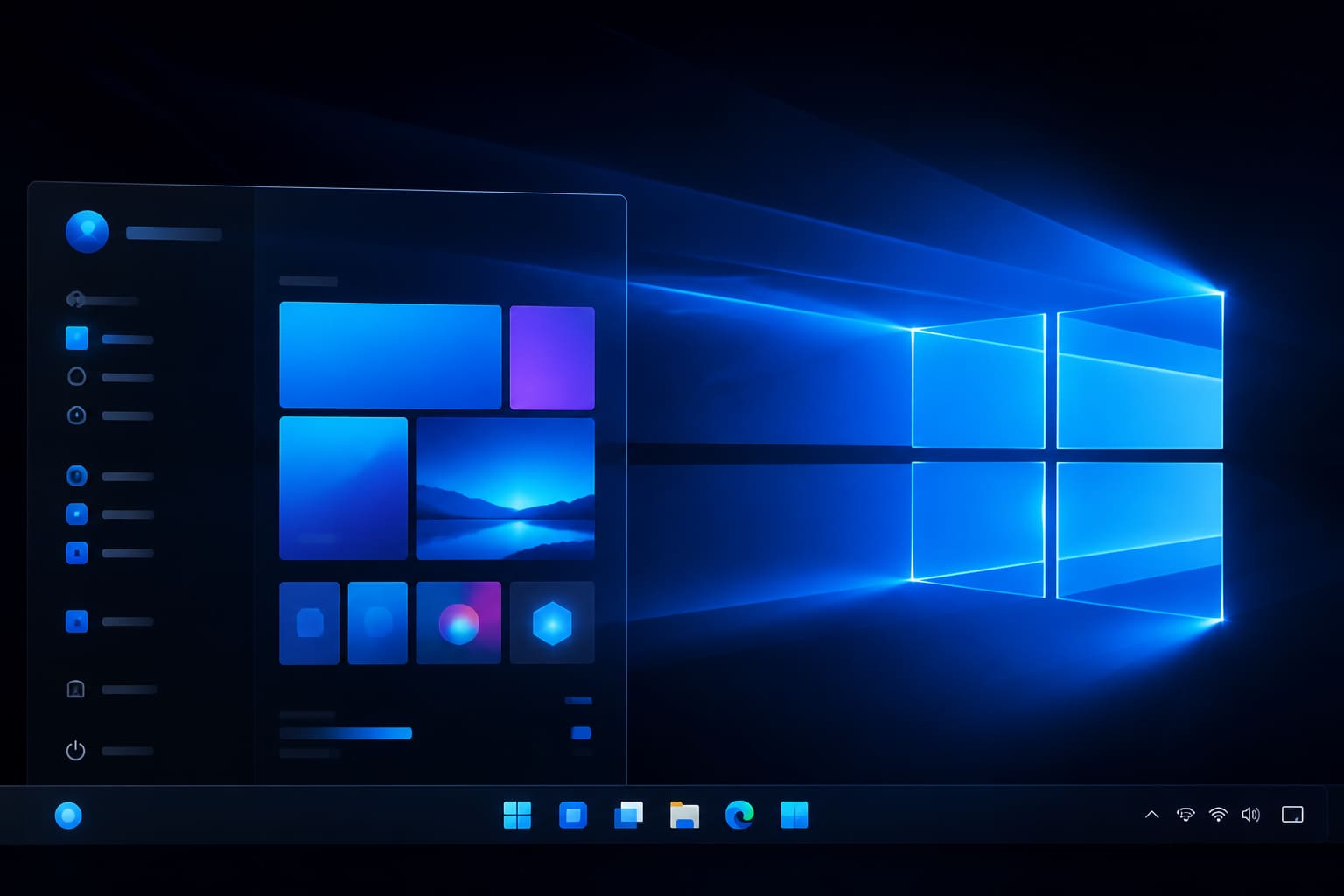
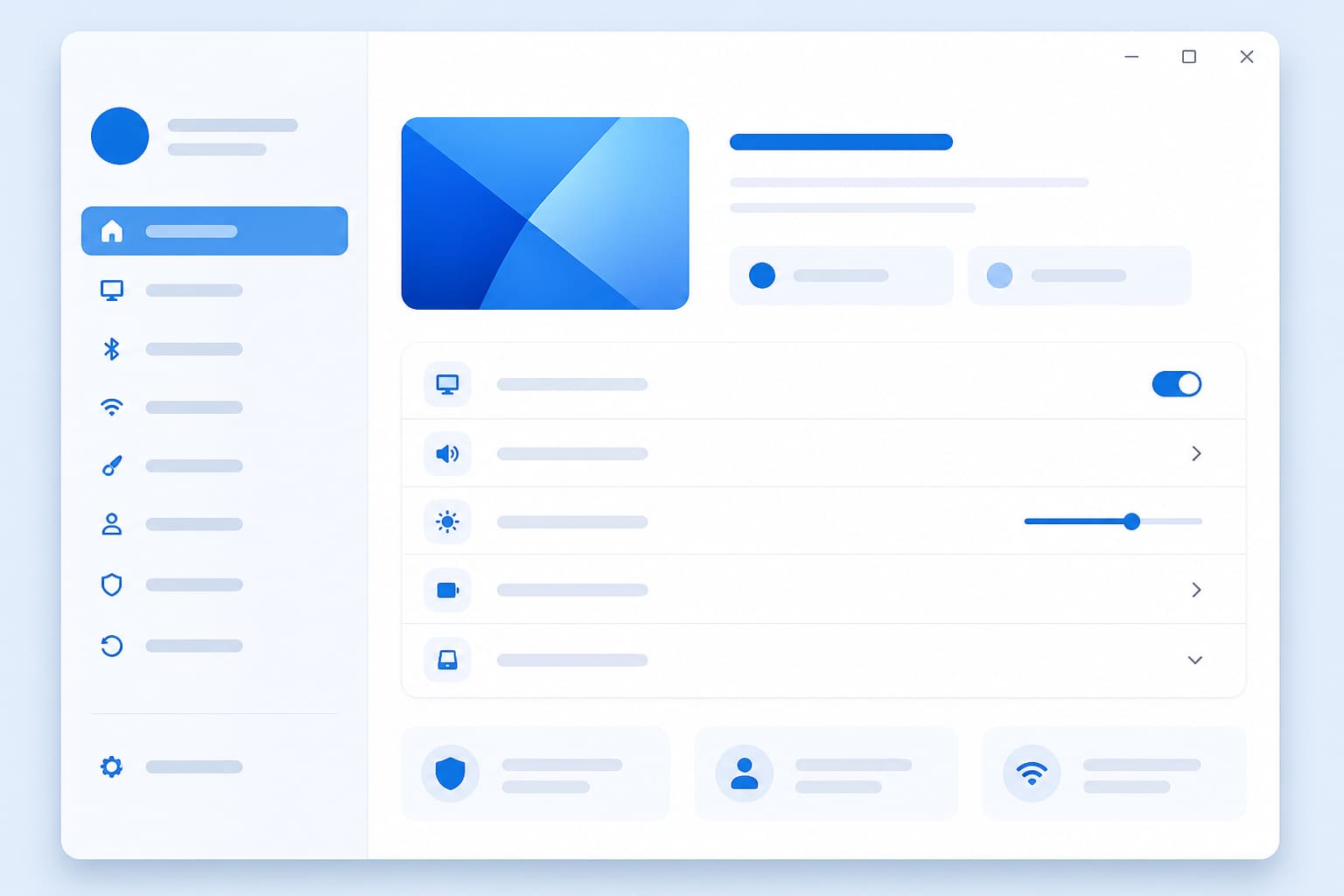
The login screen and boot animation are refreshed but recognisable. The taskbar defaults to left-aligned icons — a small victory for muscle memory — and the weather widget that haunted the corner of Windows 11 is gone unless you opt in. The Start menu is split into a pinned apps grid and a recents column that actually surfaces documents you opened yesterday, not promotional tiles for games you will never install.
Dark mode is more consistent across Settings and legacy Control Panel holdouts. File Explorer’s tabbed interface, late to the party but welcome, now remembers folder positions across reboots. These are incremental fixes. Together they make the OS feel maintained, which matters when your audience is enterprise IT departments who upgrade on a three-year cycle.
Copilot: omnipresent, occasionally useful
Copilot in Windows 12 is not a sidebar you forget. It is a system layer invoked with Win+C, a voice shortcut, or contextual prompts when you highlight text. Ask it to summarise a PDF and it produces a sensible outline in seconds. Ask it to rewrite an email and it overshoots into corporate jargon unless you specify tone. Ask it to change power settings and it routes you to the correct Settings pane — genuinely helpful, and rarer than it should be.
The controversial part is recall-adjacent timeline search, rebranded “Memory Explorer” in this build. Opt-in only, encrypted locally, with clear delete controls — Microsoft is responding to the backlash that torpedoed similar ambitions in 2024. We still recommend leaving it off until final privacy auditing lands. The feature works as advertised when enabled: natural-language search across apps and files you have touched. The creep factor remains subjective.
“AI will be as ubiquitous as the mouse — but only if users trust where their data goes.”
— Satya Nadella, Microsoft CEO, speaking at Microsoft Build 2025 on Copilot integration
On-device models run on Copilot+ PCs with NPUs; our Surface Laptop handled live captions and local rewrite without cloud round-trips. The tower PC fell back to cloud for heavier tasks, which introduced latency on a slow café connection. Plan accordingly if you travel.
Performance and gaming
Preview builds are unfair benchmarks, but frame times in Forza Horizon 5 and Cyberpunk 2077 matched our Windows 11 baseline within margin of error. DirectStorage and Auto HDR behaved as before. Background Copilot indexing did not measurably hurt gaming on the desktop; on the Surface, disabling Memory Explorer freed roughly 400MB of RAM at idle — noticeable on 16GB configs.
Boot times improved by four seconds on the Surface with a clean install versus the same machine on Windows 11 24H2. Some of that is preview freshness; some is reduced startup task bloat. Microsoft claims final release will ship with fewer preinstalled promotional apps. We will believe it when OEM images prove it.
Compatibility and upgrade path
Windows 12 will require TPM 2.0 and UEFI — same as Windows 11, which means millions of perfectly usable PCs remain officially unsupported. Microsoft offers an extended security-only channel for Windows 11 through 2029, softening the blow. In-place upgrades from Windows 11 23H2 and 24H2 worked in our tests with apps and licences intact. Windows 10 direct upgrades are not offered; clean installs only.
Enterprise admins get Group Policy controls to disable Copilot features wholesale, defer feature updates, and pin traditional Start layouts. That flexibility suggests Microsoft learned from the Teams-in-taskbar revolt. IT shops will still test for months before broad deployment — as they should with preview code.
What is still missing
Widgets remain underwhelming. Android phone integration is improved but still behind Apple’s continuity story. And the Microsoft Store, though healthier, is not where power users source software. Windows 12 does not fix the open-web browser defaults saga either — Edge nudges persist, politely but persistently.
Release is slated for autumn 2026, with a public beta expected in late spring. Unless you enjoy filing feedback and living with rough edges, wait for RTM. If you do join the Insider programme, back up first and keep a Windows 11 USB handy. Previews break things. That is the contract.
Sources
- Microsoft, Windows Insider Preview release notes — microsoft.com
- Microsoft, Copilot on Windows documentation — microsoft.com
- The Verge, Windows 12 preview hands-on coverage — theverge.com