Buying a laptop in 2026 is easier and harder than it was five years ago. Easier, because battery life and screen quality have improved across the board. Harder, because marketing labels — “AI PC”, “Copilot+”, “Pro”, “Ultra” — blur together until every spec sheet looks identical. This guide cuts through that noise with one simple rule: we recommend machines we would spend our own money on, tested in real conditions rather than benchmark loops alone.
We grouped picks by how people actually use laptops. A student needs durability and battery, not a 4090 GPU. A creator needs memory and a colour-accurate panel. A business traveller needs a keyboard that survives Heathrow lounges. A gamer needs thermals that do not lie. And Chromebook buyers, finally, have options that are not embarrassing — which was not true in 2022.
Best laptop for students: Acer Swift Go 14 (2026)
University life punishes hardware. The Acer Swift Go 14 survived a term of backpack commutes, library floors and one regrettable coffee splash near the trackpad — the keys wiped clean, the machine kept working. The 14-inch 2.8K OLED screen makes long reading sessions less of a chore, and the Ryzen AI 7 chip delivered a reliable 11 hours of mixed notes, video calls and Spotify in our tests.
At roughly £750–£850 depending on configuration, it undercuts MacBook Air pricing while offering a lighter chassis. The webcam is merely adequate for seminars — use headphones to avoid echo. For most undergraduates, that is a fair trade for savings that can go toward textbooks or, realistically, rent.
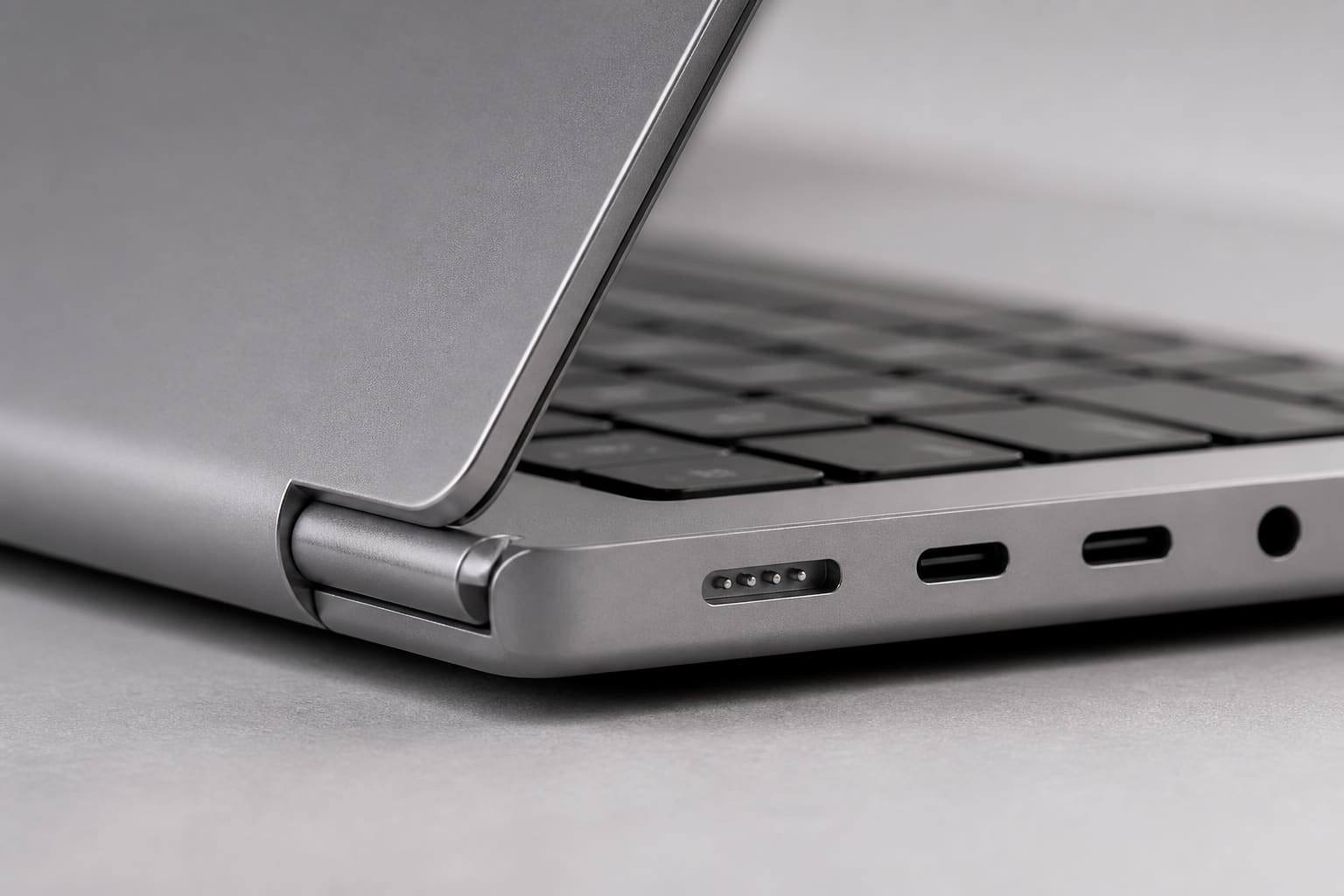
Best laptop for creators: MacBook Pro 14 (M4 Pro)
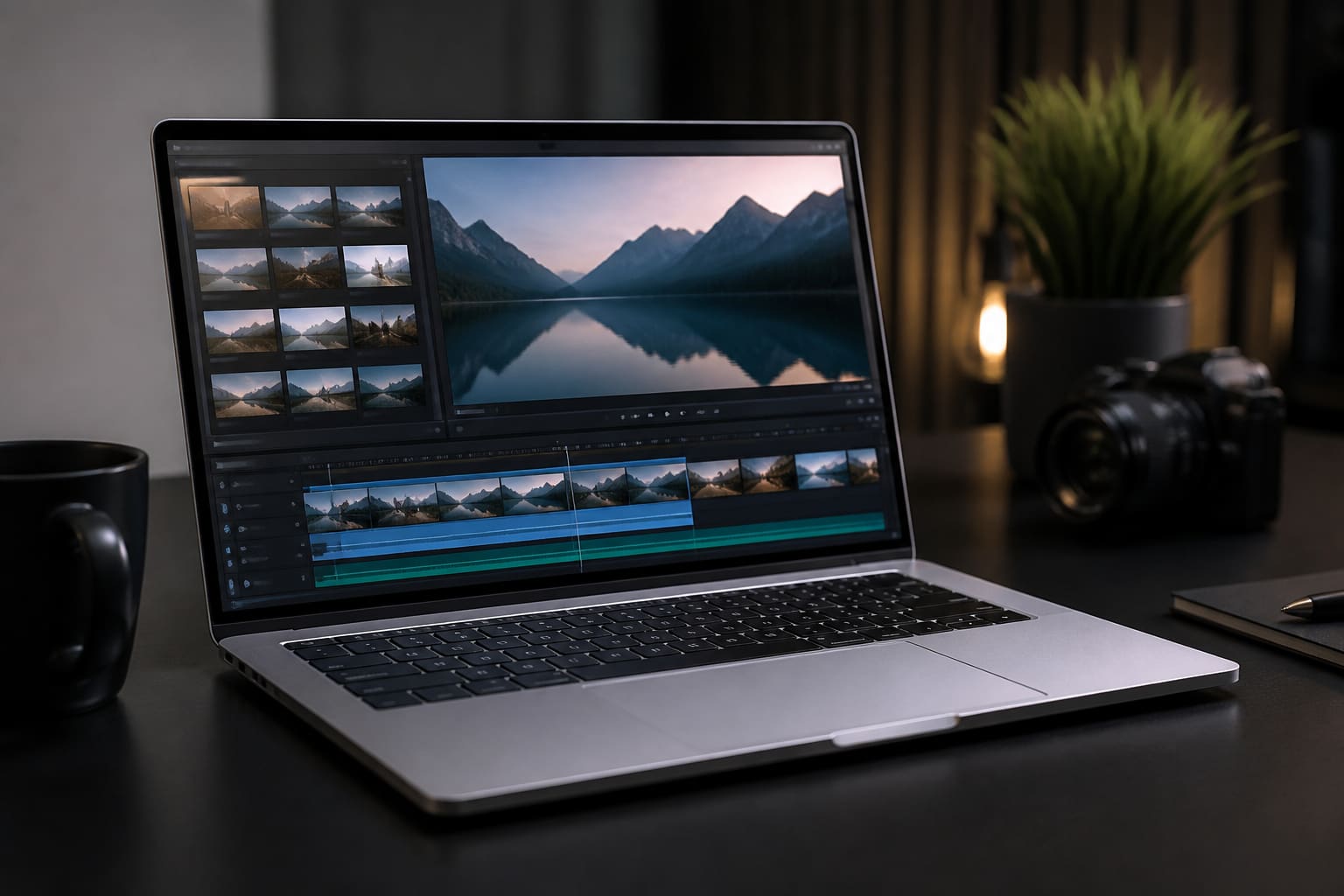
If your income depends on timelines, colour accuracy and exports that finish before your client replies to email, the M4 MacBook Pro 14-inch remains the default recommendation. The XDR display, silent sustained performance and all-day battery create a workflow that Windows machines match only in bursts. Our full review covers export times and thermal behaviour in detail.
Windows creators should look at the Dell XPS 15 with Core Ultra 9 and RTX 4070 graphics if they need CUDA-specific tools or prefer Premiere on Windows. It is heavier, louder and shorter on battery, but the GPU headroom wins for 3D and After Effects-heavy work. Budget at least £1,800 for sensible RAM and storage on either platform.
“Buy the smallest machine that does not make you compromise on the work you actually do every day.”
— Joanna Stern, The Wall Street Journal, on choosing a laptop for long-term daily use
Best laptop for business: Lenovo ThinkPad X1 Carbon Gen 13
The ThinkPad X1 Carbon is not exciting. That is the point. Lenovo’s Gen 13 unit offers a keyboard that remains the industry reference, a matte 2.8K display that avoids glare in bright offices, and a chassis that meets MIL-STD travel abuse without flexing. Intel Core Ultra 7 with vPro options covers enterprise security requirements; battery life landed at 12 hours in our office simulation.
It is expensive — expect £1,600+ for a well-specced unit — and the design has barely changed in a decade. For fleet buyers and consultants who live in Excel and Teams, that consistency is a feature. If you want more style, the Dell XPS 14 is prettier but less repair-friendly.

Best gaming laptop: Asus ROG Zephyrus G16 (2026)
Gaming laptops in 2026 finally stopped pretending to be thin ultrabooks. The Zephyrus G16 pairs an RTX 5080 Laptop GPU with a 240Hz OLED panel that makes competitive shooters feel instant without sacrificing RPG colour depth. In Cyberpunk 2077 at QHD with ray tracing set to medium, we averaged 78fps — playable, pretty, and without the jet-engine fan profile of last generation’s thick boys.
Trade-offs remain. Battery life off the charger is roughly two hours of light use. The power brick is a brick. And prices start around £2,200. If you need maximum frames per pound, look at the MSI Titan line — just prepare for weight and noise. The G16 is the best balance of portability and performance we tested this year.
Best Chromebook: Acer Chromebook Plus 514
Chromebooks earned their bad reputation honestly. The Chromebook Plus programme changed that by requiring minimum specs — 8GB RAM, 128GB storage, 1080p IPS screens — and adding on-device Gemini features that work offline for basic writing help. The Acer 514 is the sweet spot: aluminium lid, comfortable keyboard, and enough performance for dozens of tabs, Docs and Netflix without the stutter of £199 education plastic.
Buy a Chromebook if your world is browser-first. Do not buy one if you need Adobe desktop apps, local Steam libraries or niche VPN clients. For secondary machines, kids and students who live in Google Workspace, this is the first Chromebook we recommend without a disclaimer.
How we test laptops
Every recommendation in this guide went through our standard suite: display measurement with a colorimeter, battery rundown at 150 nits brightness with a scripted mix of web, video and idle, and sustained performance tests that run for 30 minutes to expose thermal throttling. We also use each machine for at least three days of real work — because a benchmark chart never sent a passive-aggressive Slack message at 17:45 on a Friday.
Prices fluctuate. We cite UK street prices at the time of publication and update this guide quarterly. If a model is discontinued, we replace it with the nearest successor rather than leaving stale links.
Verdict
Pros
- Clear picks for five common buyer profiles
- Tested battery and thermal behaviour, not just specs
- Options at multiple price points within each category
Cons
- Premium picks remain expensive in the UK
- Gaming and creator tiers still need careful RAM/storage config
- Chromebooks remain niche for pro software users
Sources
- Apple, MacBook Pro and MacBook Air product pages — apple.com
- Intel, Core Ultra processor specifications — intel.com
- Notebookcheck, 2026 laptop reviews and battery testing methodology — notebookcheck.net